
Home page of Scratch (Scratch, 2024)
What is Scratch?
Scratch is a free, visual programming platform developed by the Lifelong Kindergarten group at the MIT Media Lab. It’s designed for young learners (typically ages 8-16) to create their own interactive stories, animations, games, and more through drag-and-drop code blocks. The platform introduces coding concepts in an accessible way, allowing students to think creatively, reason systematically, and work collaboratively.
In addition to the programming environment, Scratch also has a large online community where users can share their projects, remix others’ work, and get feedback. This aspect makes Scratch not only a tool for learning to code but also a space for developing digital literacy and collaboration skills.
What is Scratch? (Scratch Team, 2024)
How to use Scratch?
To get started, you choose a sprite (a character or object) and a backdrop, then use the block categories—like Motion, Looks, Sound, and Control—to design behaviors and actions for the sprite. The drag-and-drop interface makes it easy to combine blocks in the Scripts Area, which is where your code comes to life. You can test your project by clicking the green flag and refine it as needed. Scratch also allows users to add sounds, create custom sprites, and incorporate interactivity through keyboard or mouse inputs. Projects can be saved, shared online, or explored in the Scratch community to inspire creativity and learning.
Getting Started with Scratch (Scratch Team, 2024)
Tutorial Library
Scratch offers a variety of tutorials that guide users through creating new projects, animations, games, and more.
Click here to explore the Scratch tutorial library.
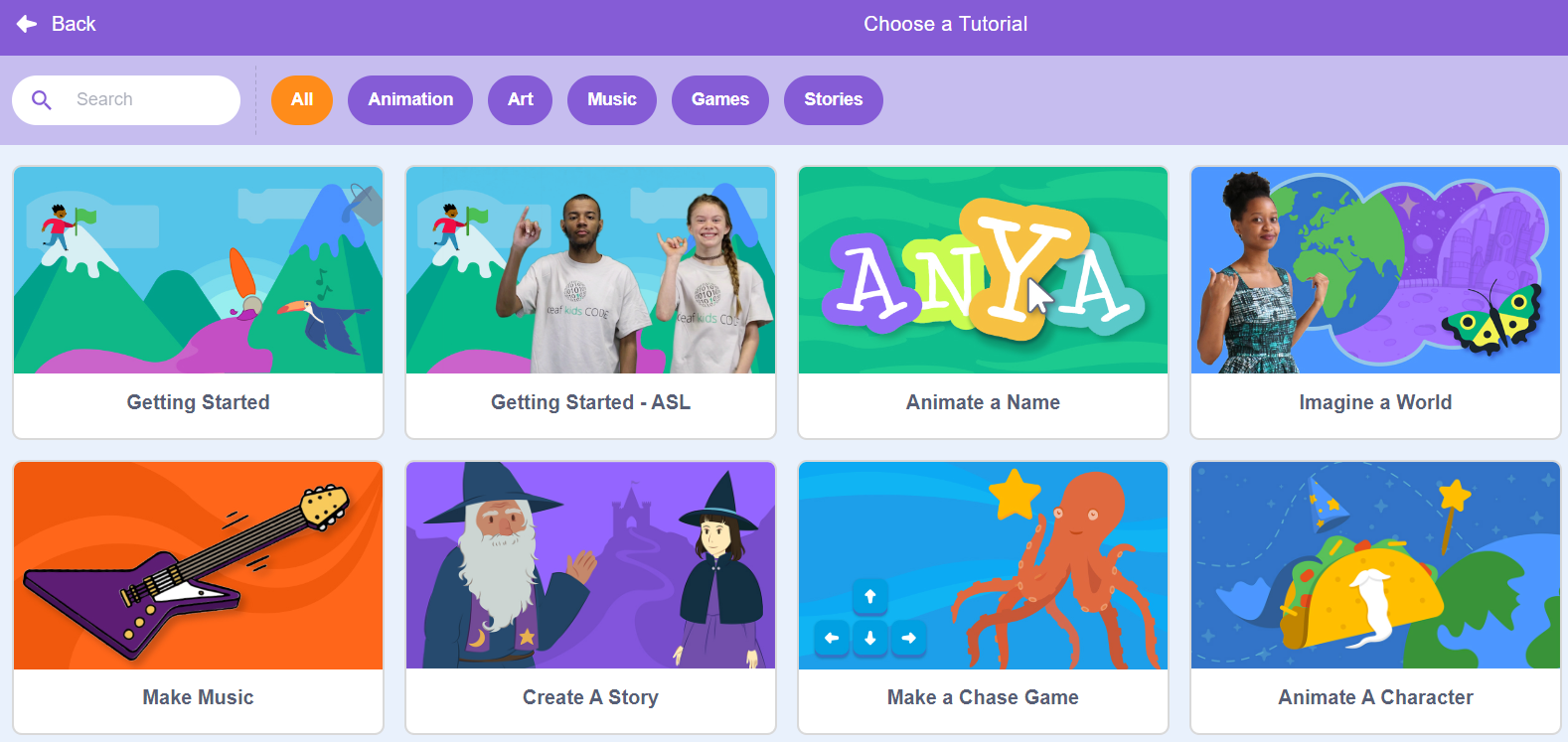
Tutorial library of Scratch (Scratch, 2024)
Educators Guide
Scratch also offers Educator Guides to support educators in preparing and conducting classes and workshops with Scratch.
Click here to download the Educator Guides.
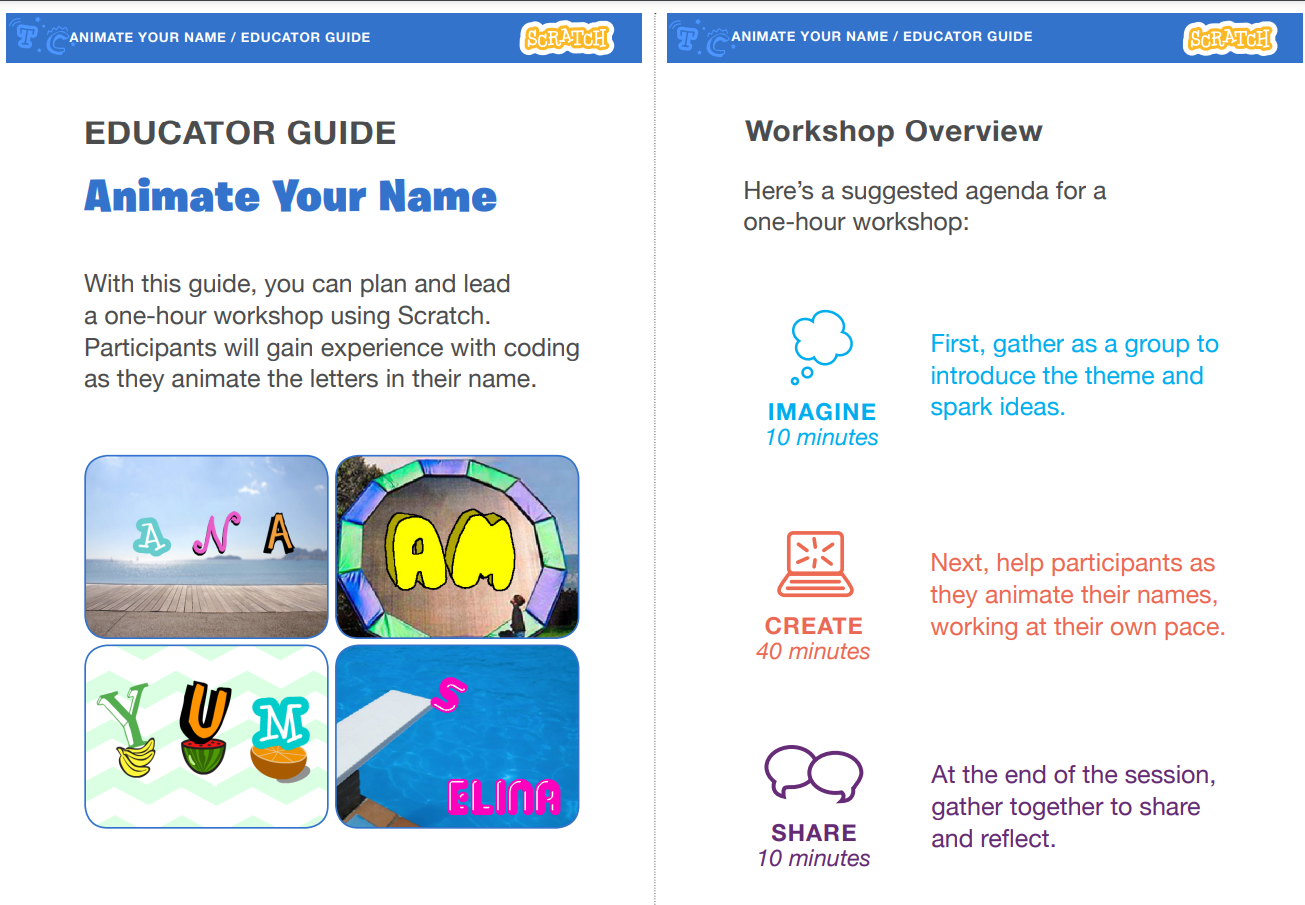
Educator guide of Scratch (Scratch, 2024)
Demo Projects
[Project by Vatsalnewar on Scratch, The Festival of Light | Happy Diwali!]
[Project by AnimatorExpands on Scratch, One? #All #Animations #Stories]
[Project by CafenoFan01992 on Scratch, Training In Boxing V.1.6]
[Project by Meua_le_caca on Scratch, decorate – a little bit –]
User Story
Discover how this tool is making a difference in real-world scenarios!
Scratch Story: Natalie (Scratch Team, 2018)
Collaborate and Create Together
Our community is a vibrant space where creators from around the world share their projects, offer feedback, and collaborate on new ideas. This platform fosters a supportive environment where users can learn from each other, remix projects, and enhance their digital literacy.
References
AnimatorExpands. (2024, October 27). One? #All #Animations #Stories [Scratch project]. Scratch. https://scratch.mit.edu/projects/754158394
CafenoFan01992. (2024, May 5). Training In Boxing V.1.6 [Scratch project]. Scratch. https://scratch.mit.edu/projects/962097312
Meua_le_caca.(2024, April 8). decorate – a little bit – [Scratch project]. Scratch. https://scratch.mit.edu/projects/994354181
Scratch. (2024). Educator guide of Scratch [Screenshot by the author]. https://scratch.mit.edu/educators
Scratch. (2024). Home page of Scratch [Screenshot by the author]. https://scratch.mit.edu/
Scratch. (2024). Tutorial library of Scratch [Screenshot by the author]. https://scratch.mit.edu/projects/editor/?tutorial=getStarted
Scratch. (n.d.). Educator guides (PDF). Scratch. Retrieved November 2, 2024, from https://resources.scratch.mit.edu/www/guides/en/EducatorGuidesAll.pdf
Scratch Team. (2018, May 3). Scratch Story: Natalie [Video]. YouTube. https://youtu.be/AiYO_unP67w?si=ZscBKINFL-PzMfFj
Scratch Team. (2024, November 25). Getting started with Scratch [Video]. YouTube. https://youtu.be/9jTPZfhuVro?si=xcEioGnrxvXrD_25
Scratch Team. (2024, November 25). What is Scratch? [Video]. YouTube. https://youtu.be/LjOfOQkpPnU?si=DAOdyhPxfkbCj62x
Vatsalnewar. (2023, November 11). The Festival of Light | Happy Diwali! [Scratch project]. Scratch. https://scratch.mit.edu/projects/923033944